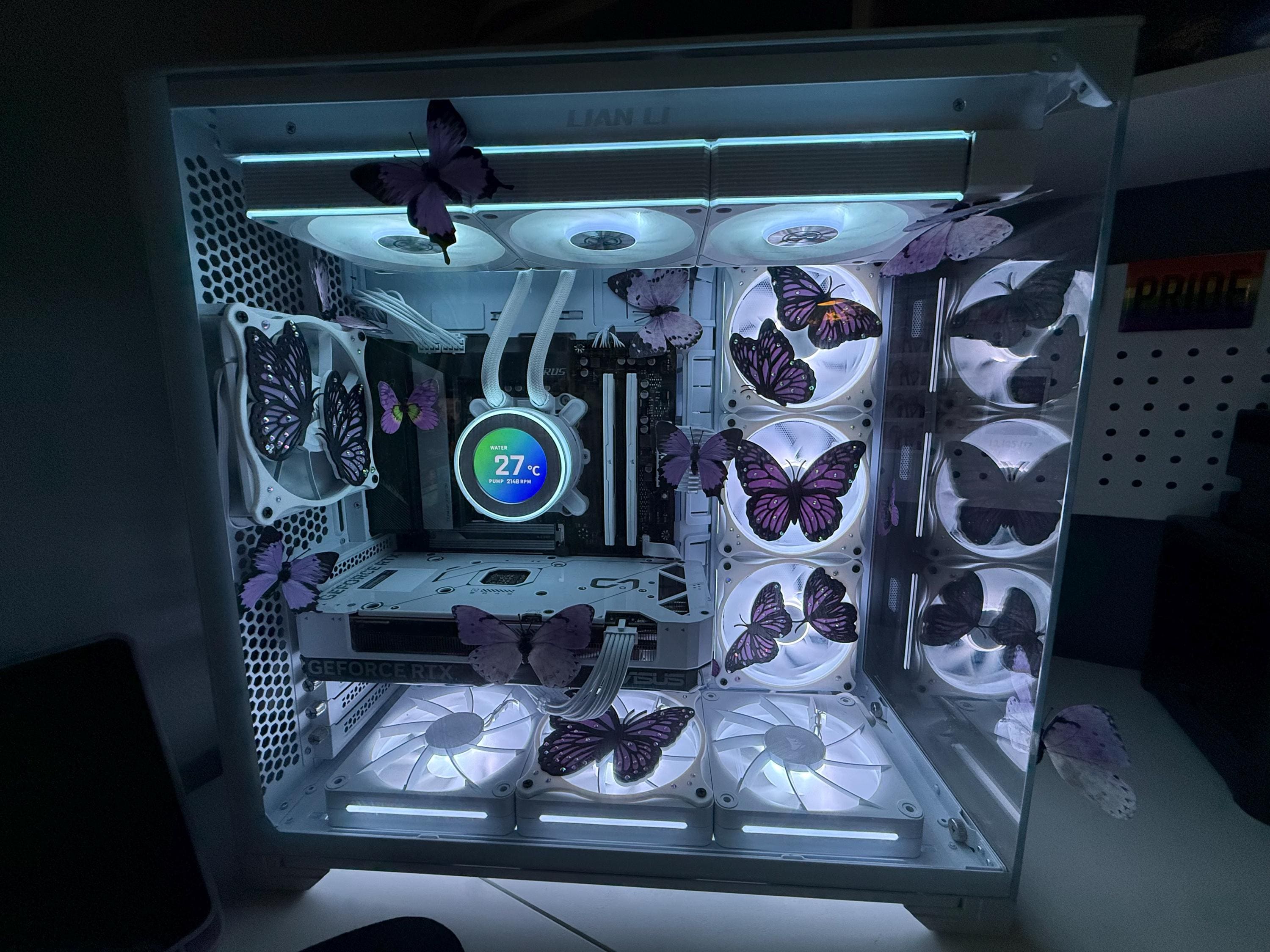
120mm vs 140mm PC Fan Covers: Which Size Fits Your Build?
You have found the design you want, you have added it to your cart, and then the size dropdown stops you cold: 120mm or 140mm? It is one of the most common questions we get, and the answer is simpler than it looks. It comes down to a single measurement you can take in about thirty seconds with a ruler.
This guide covers what those numbers actually describe, three ways to identify the fans already sitting in your case, how the two sizes differ once you put a decorative cover on top of them, and exactly which sizes we stock.
The short answer
Measure one of your fans across the frame, along one outer edge. If it is 120mm square, you need a 120mm cover. If it is 140mm square, you need a 140mm cover.
The two are not interchangeable. Their mounting holes sit at different spacings, so a 120mm cover will not reach the screw holes on a 140mm fan, and a 140mm cover will hang over the edges of a 120mm fan with nothing to bolt into. There is no adapter step in the middle. You buy the size that matches the fan.
What “120mm” and “140mm” actually measure
The frame, not the blades
A 120mm fan has a square frame measuring 120mm along each side. A 140mm fan measures 140mm along each side. That number describes the outer housing, not the blade diameter and not the hub. It is why two fans with completely different blade designs still carry the same size label and still bolt into the same place.
Depth is a separate specification, and 25mm is the most common for case fans, though slim versions exist. Depth does not affect which cover fits, because covers mount to the face of the fan rather than wrapping around it.
The mounting holes, which is the measurement that really matters
This is the part that decides whether a cover lines up. Standard 120mm fans place their four mounting holes 105mm apart, measured centre to centre. Standard 140mm fans use 124.5mm centre-to-centre spacing. A few radiator manufacturers drill their 140mm mounts at 125mm instead, a difference small enough that it rarely causes any trouble in practice.
A fan cover is essentially a decorative plate with holes set to one of those two patterns. Match the pattern and the cover drops straight on. Miss it and nothing you do with the screws will save you.
Three ways to identify the fans you already have
Before you measure anything inside your case, shut the machine down and unplug it from the wall. Fan blades spin freely and the edges inside a case can be sharp.
- Measure the frame. Lay a ruler across one outer edge of the fan. 120mm and 140mm are far enough apart that you cannot confuse one for the other, even with a rough measurement.
- Measure between two screw holes. If the fan is buried behind a dust filter or a cable run and you can only reach the corners, measure from the centre of one mounting hole to the centre of the hole beside it. Roughly 105mm means a 120mm fan. Roughly 124.5mm means a 140mm fan.
- Look up the model number. Almost every fan manufacturer puts the size in the product name. The sticker on the hub, or the fan listed in the spec sheet for your case or cooler, will usually tell you outright.
If your case shipped with fans you never replaced, the manufacturer’s specification page for the case is often the fastest answer of all.
How the two sizes compare once you add artwork
Visual presence
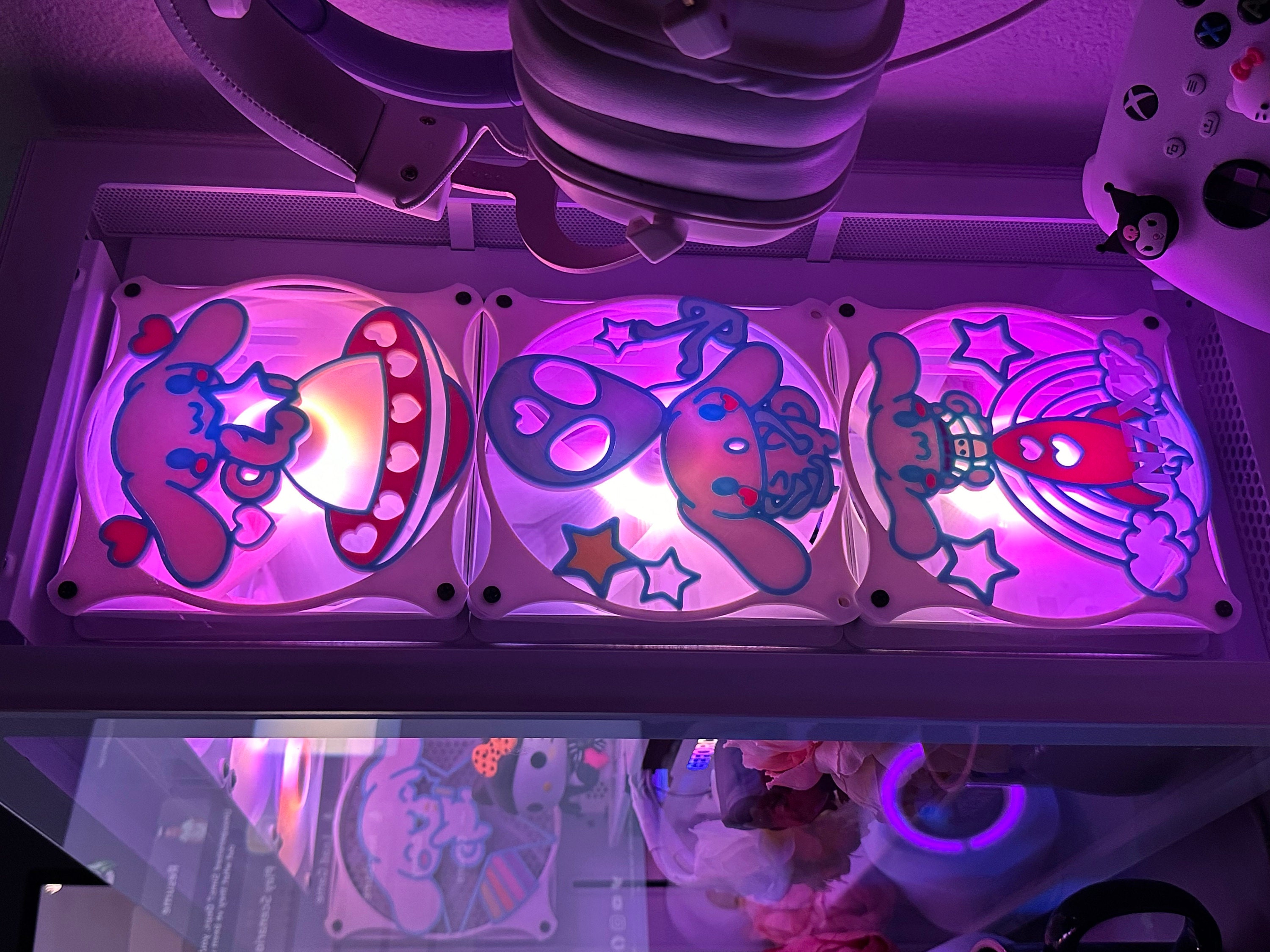
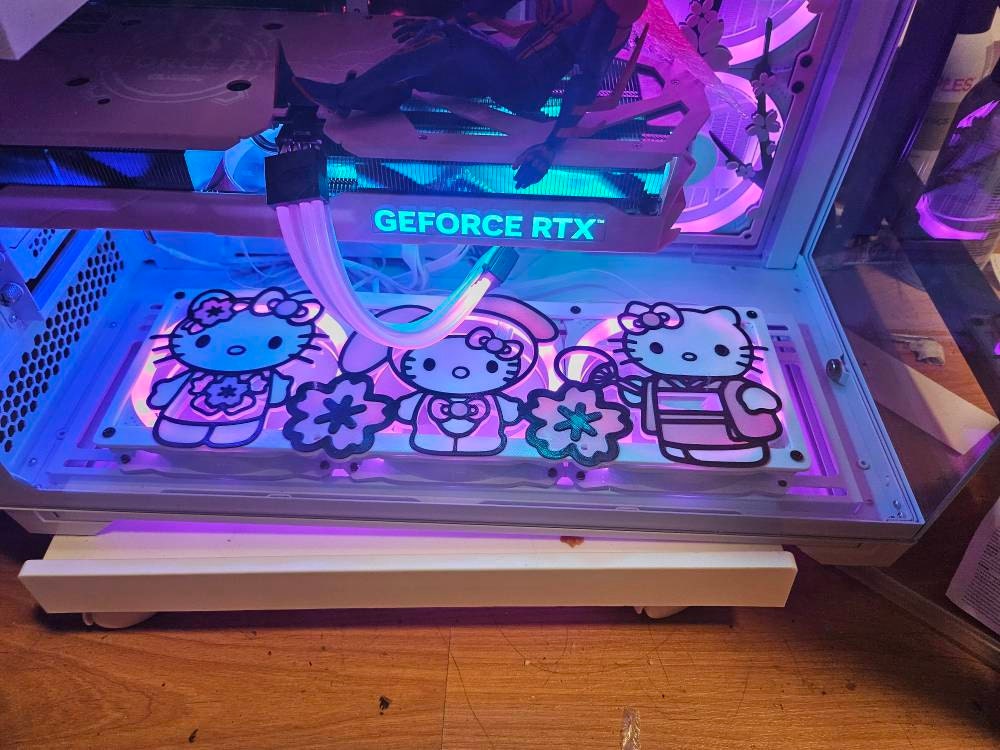
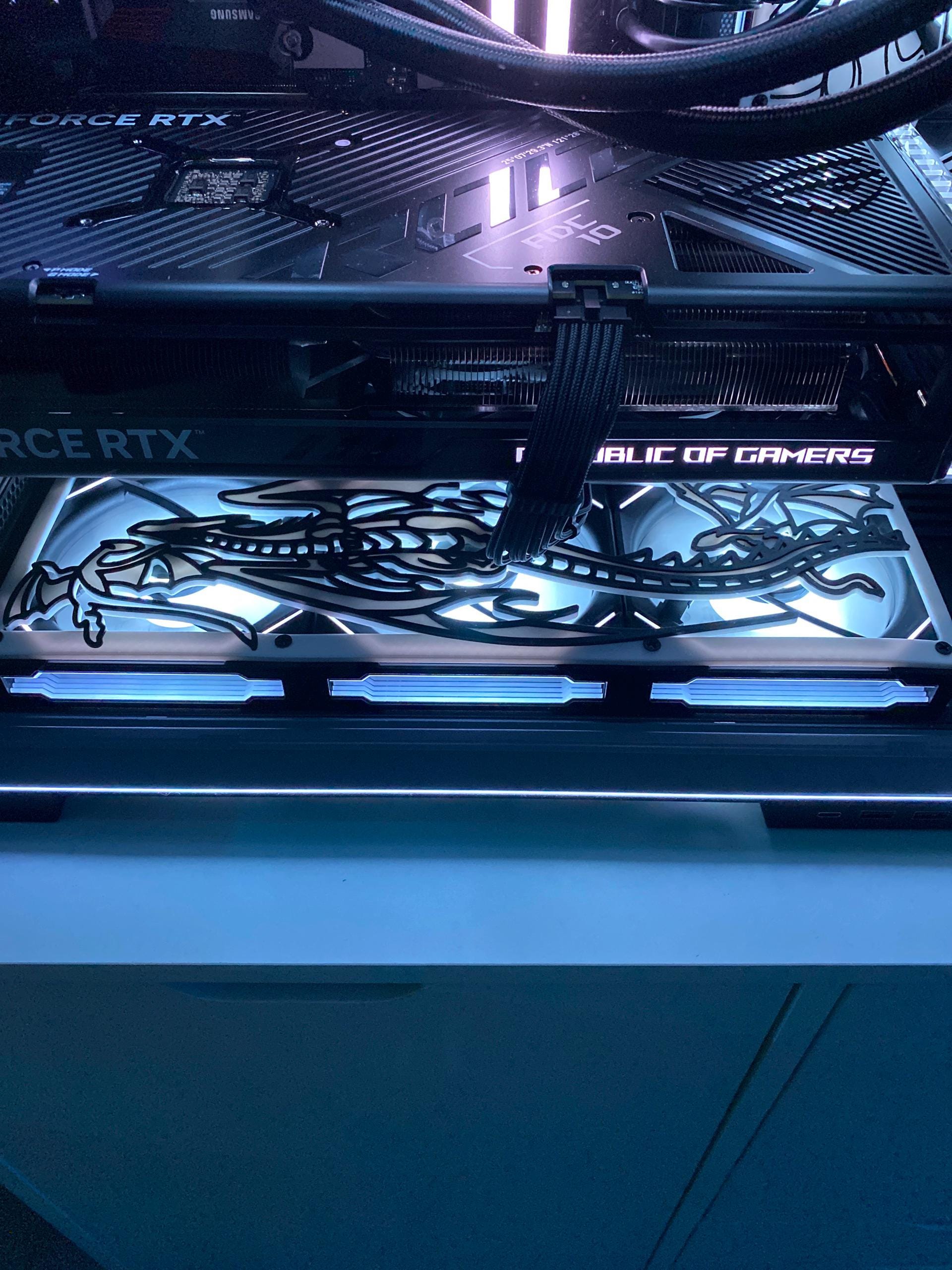
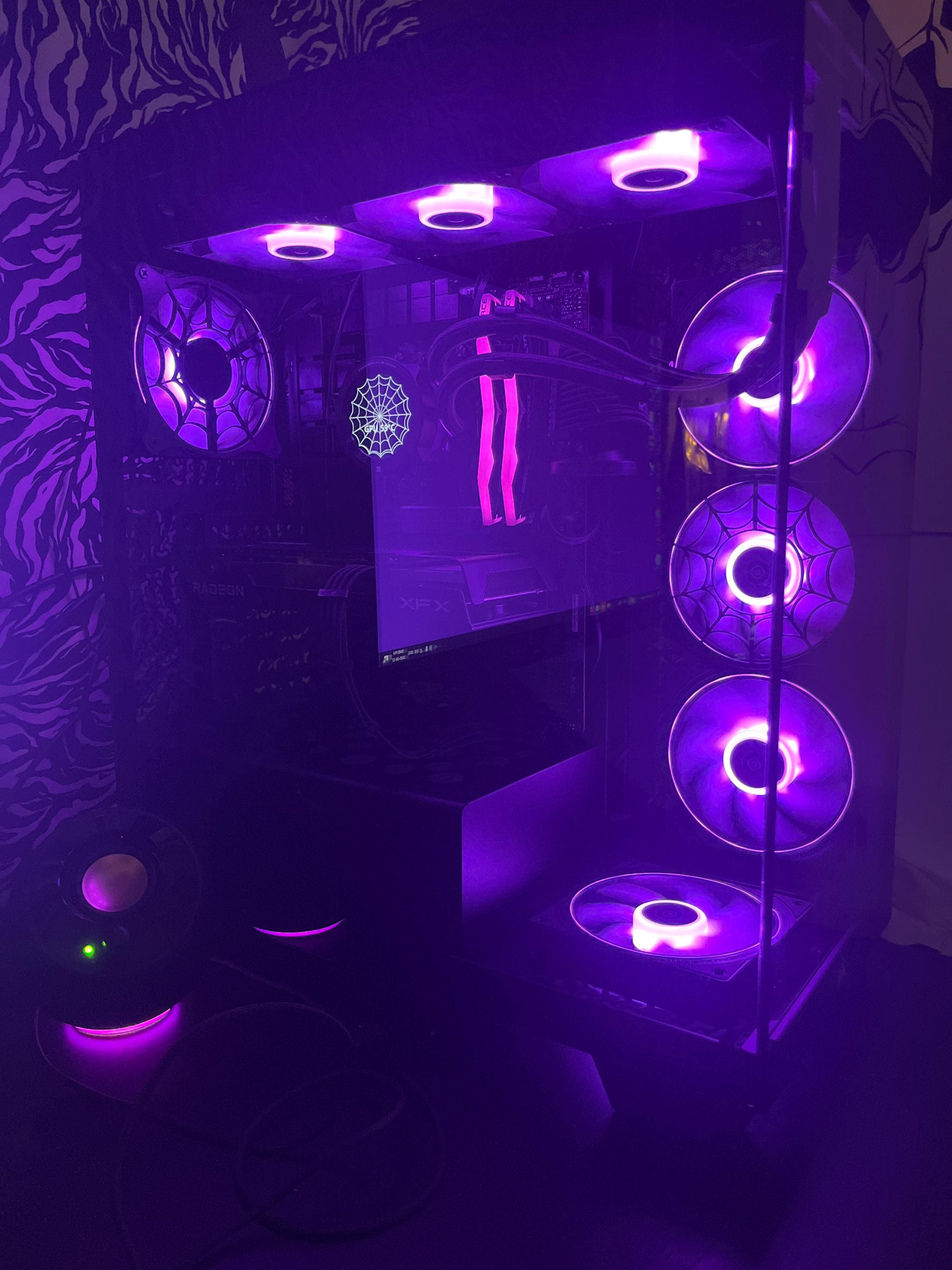
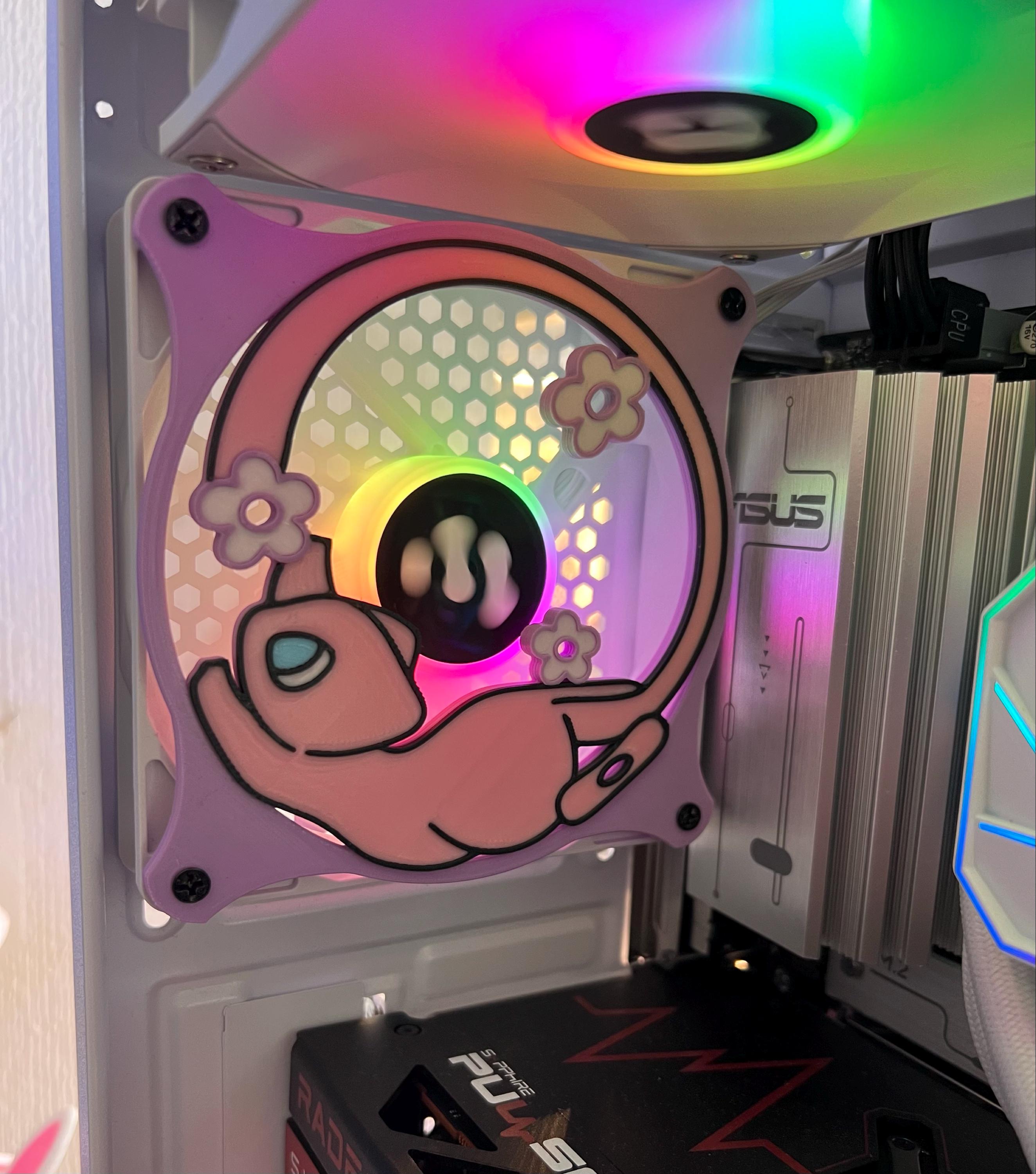
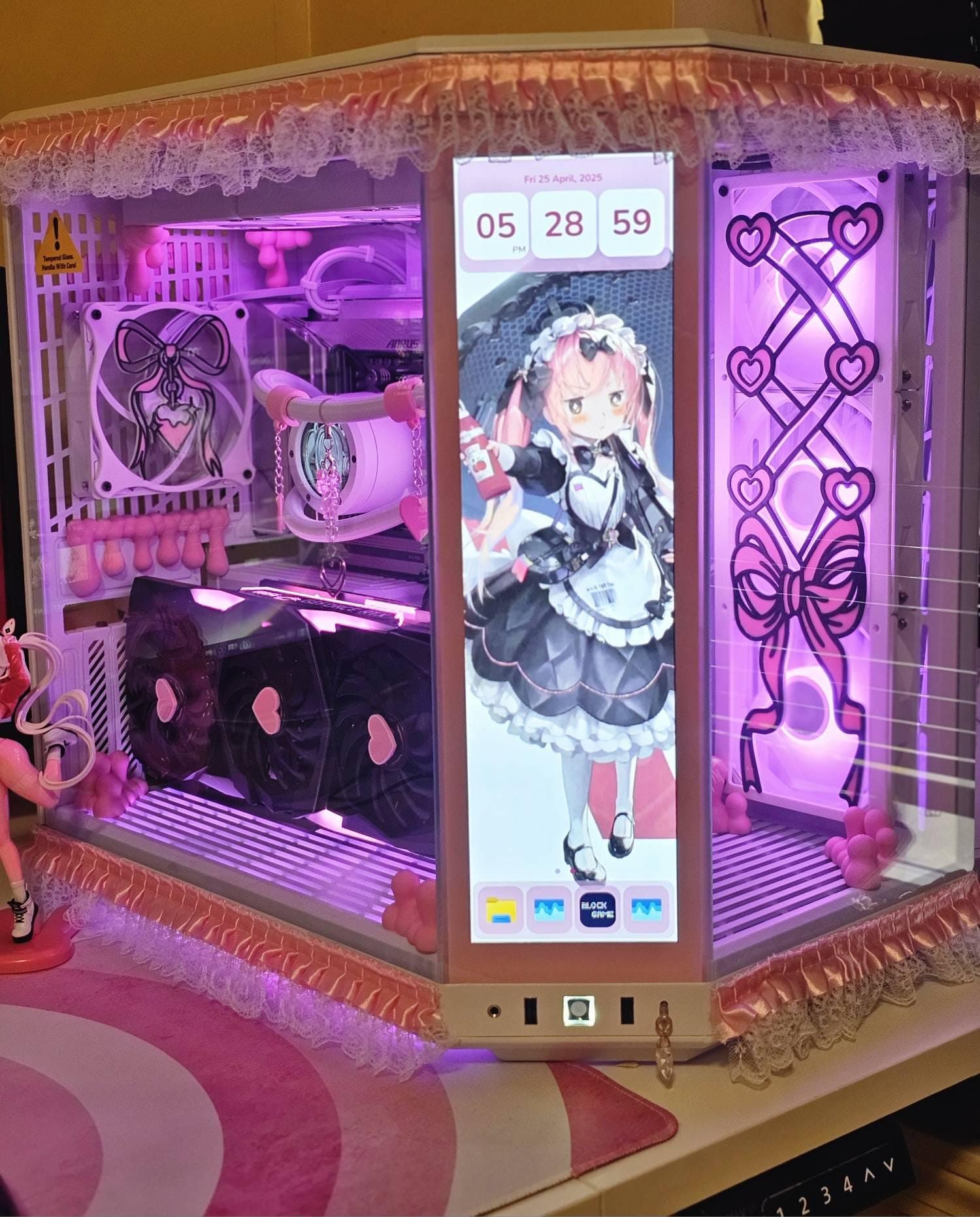
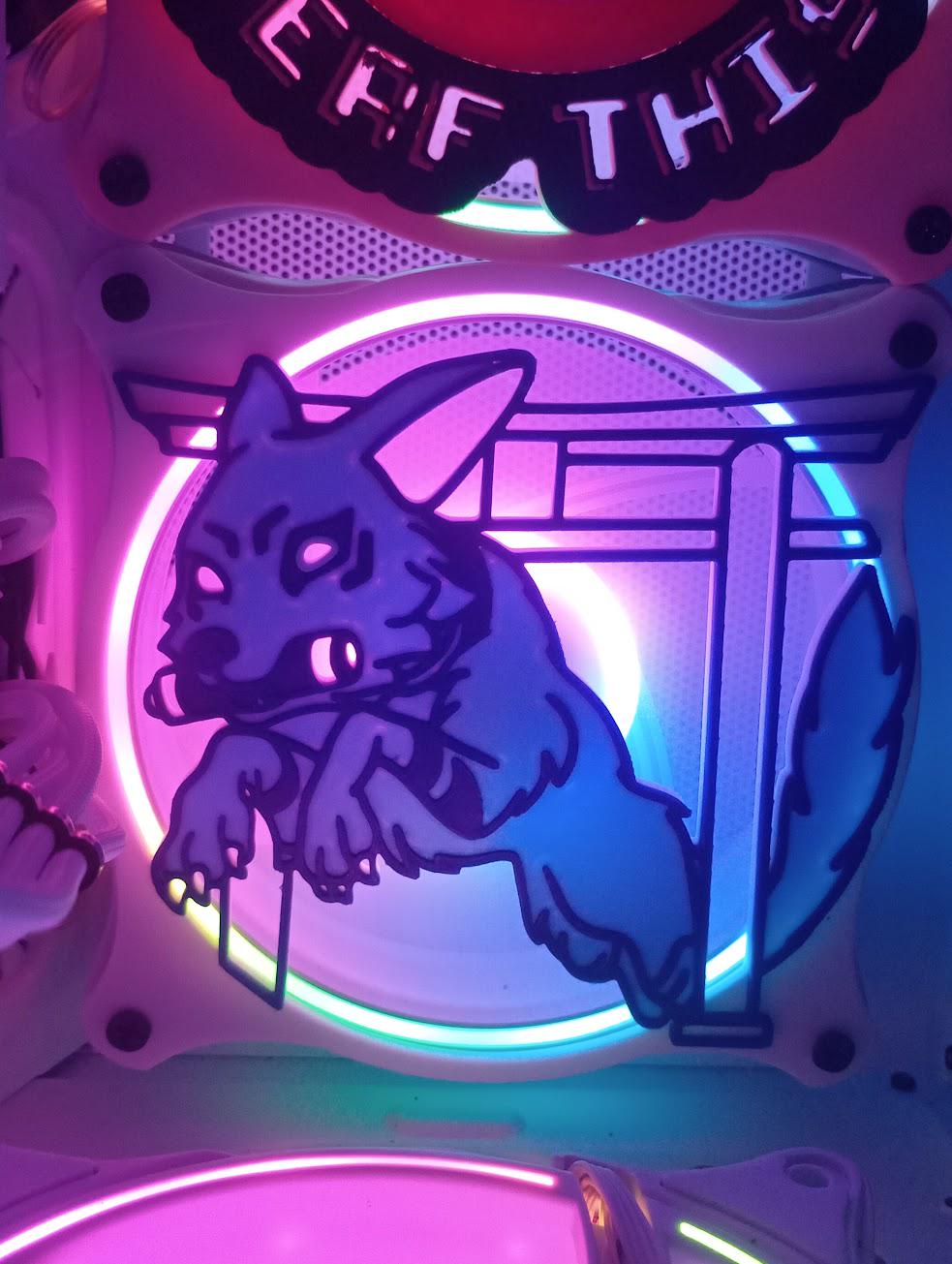
A 140mm cover gives you noticeably more surface to work with. Detailed characters, layered colour work and designs with fine linework all read better at 140mm, simply because there is more room for them. A 120mm cover has to be a little more economical with detail, which often suits bolder, more graphic silhouettes.
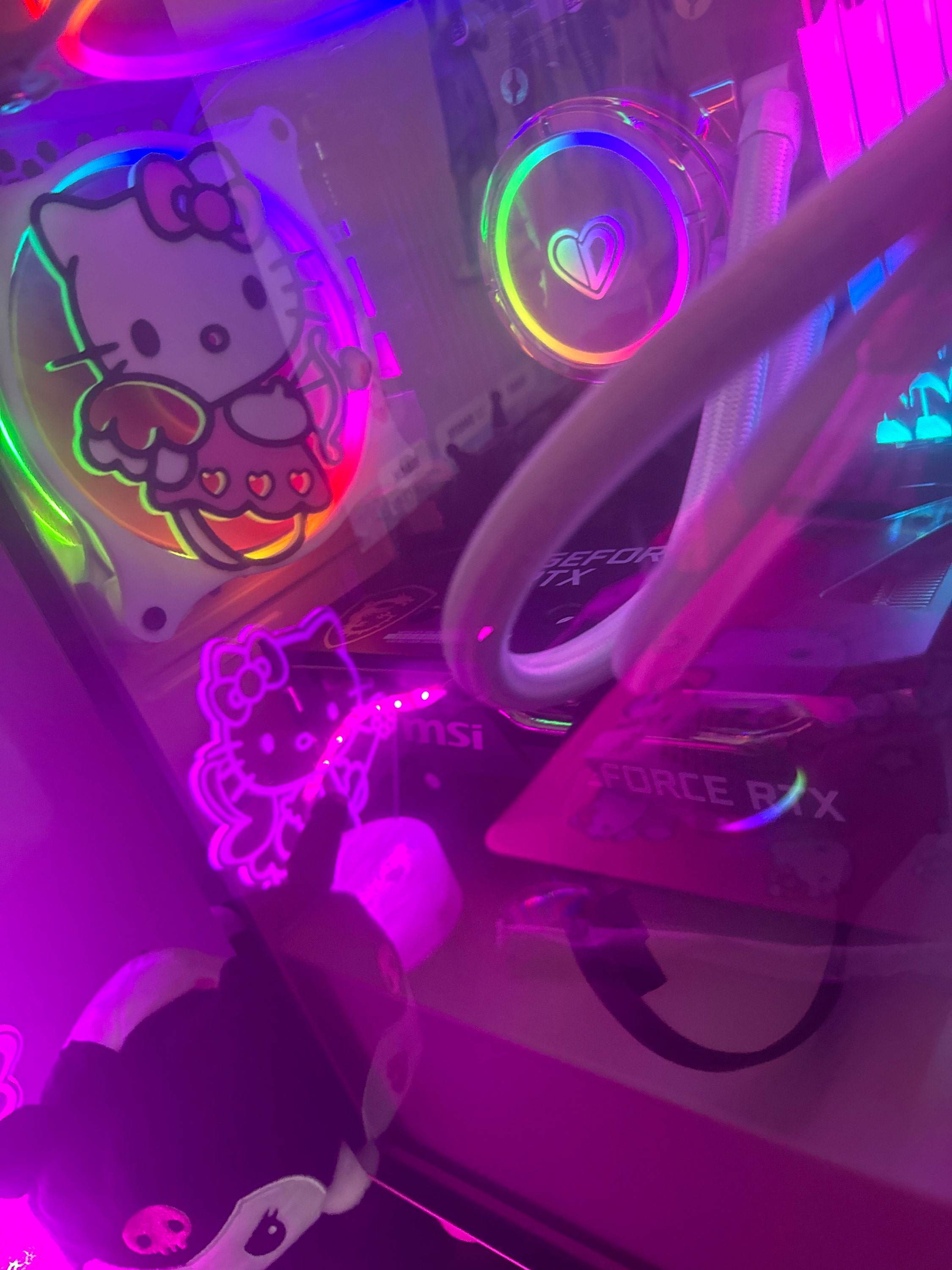
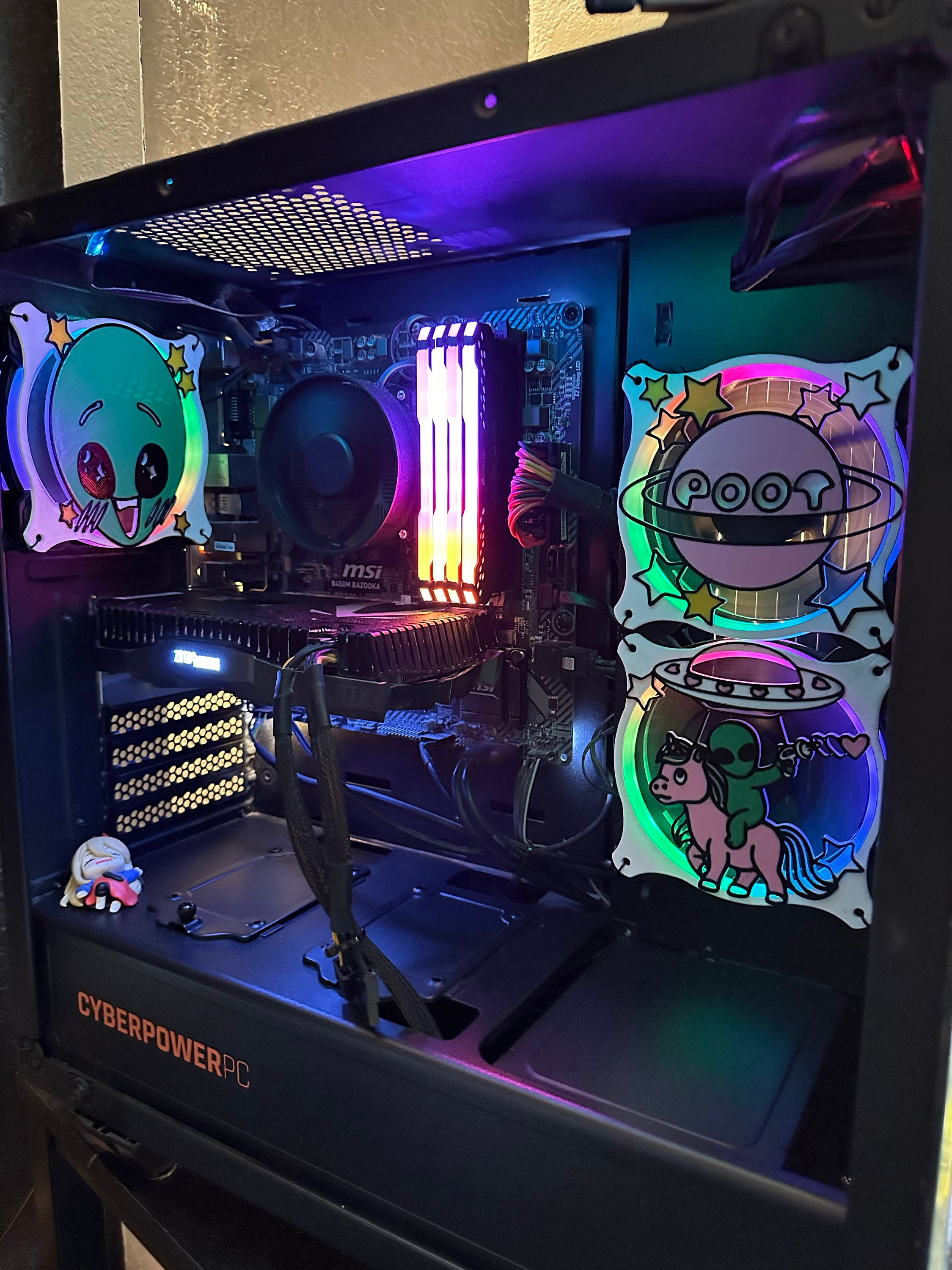
The flip side is proportion. In a compact build, a 140mm cover can dominate the side panel view. In a large case with a lot of glass, a single 120mm cover can look lost. Think about how much of the panel the fan actually occupies before assuming bigger is better.
Airflow and how dense the design is
Any cover placed in front of a fan sits in the airflow path. That is equally true of the stamped metal grills that ship with most cases. What matters more than the size you choose is how much of the surface the artwork actually blocks. A dense, largely solid design restricts more air than an open silhouette with plenty of negative space around it.
Between the two sizes, a larger fan generally moves more air at the same rotational speed, which is part of why builders reach for 140mm wherever their case allows it. If you are putting a cover on an intake or exhaust fan that is doing real thermal work, favour a more open design and keep an eye on your temperatures after installing it. If the fan is decorative or lightly loaded, design density matters much less.
Price
Across our catalogue, the 140mm version of a design costs a few dollars more than the 120mm version. Most single covers run $35 CAD at 120mm and $40 CAD at 140mm, and some designs sit lower. The Fan Shroud Roulette mystery cover, for instance, is $20 CAD at 120mm and $25 CAD at 140mm. The gap between the two sizes stays small and consistent, so price is rarely the deciding factor.
Where each size tends to live
120mm is the more common size overall and turns up in front intakes, rear exhausts and most air coolers. 140mm appears frequently in front and top positions on mid and full tower cases, where the extra room exists. Plenty of builds run both. A 140mm exhaust paired with 120mm intakes is an ordinary configuration, and it means you may need one cover in each size.
So which should you buy?
- You already own the fans. Measure them. The fan you have decides the cover you buy. This is not a preference question.
- You are buying fans and covers together. Check what your case supports. Most cases list supported fan sizes per position in their spec sheet, and some cases use elongated mounting slots that accept either size in the same position. If you have the clearance and a genuine choice, 140mm gives you more artwork area.
- You are mixing sizes. Buy one cover per fan position, in the size of that specific fan. Mixed builds are completely normal, and running a single design across two sizes looks fine because the artwork scales with the plate.
Radiator covers: 240mm, 280mm, 360mm and 420mm
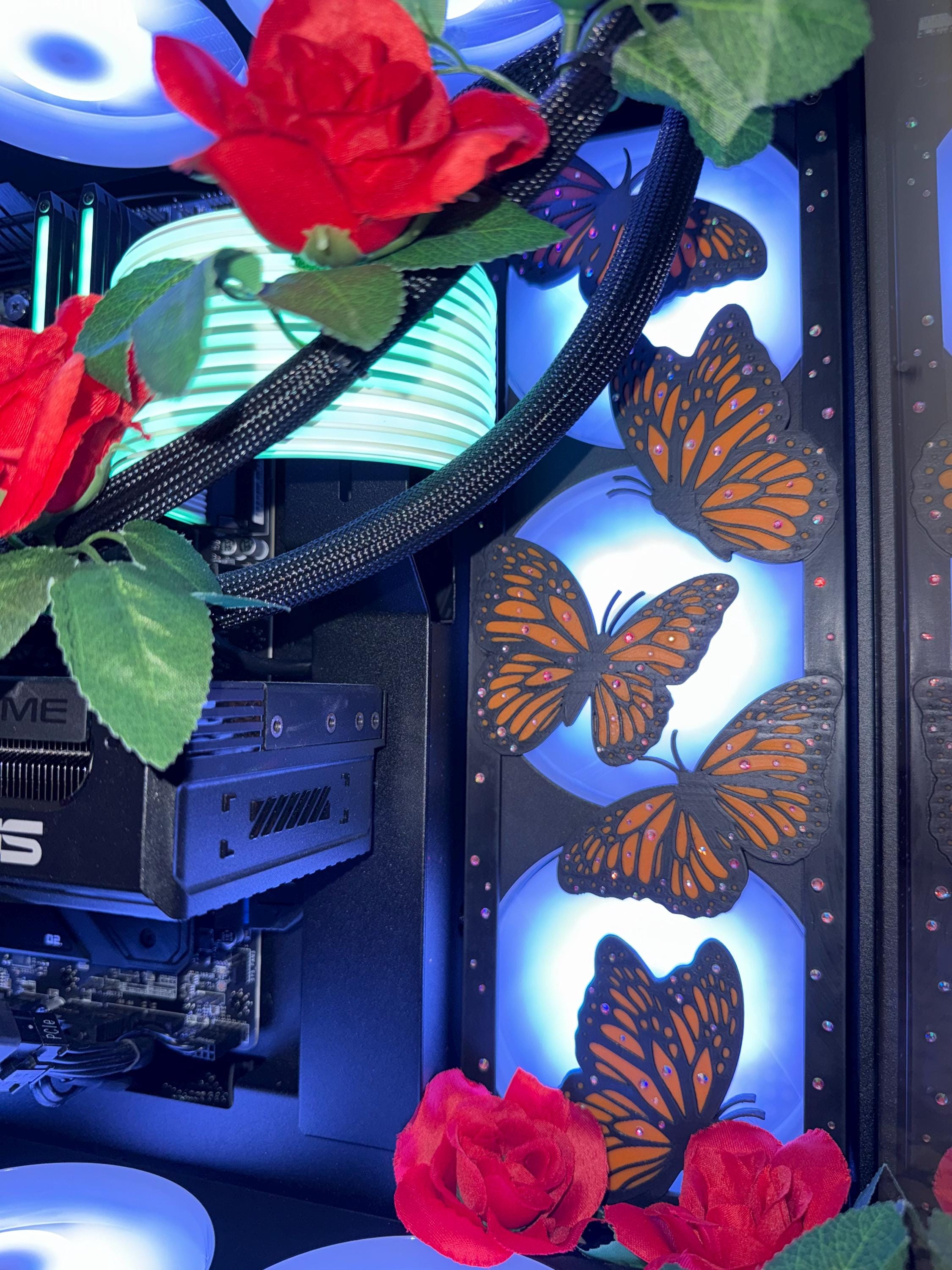
If you are cooling with an all-in-one liquid cooler, the radiator sizes follow directly from the fan sizes. A 240mm radiator carries two 120mm fans and a 360mm carries three. A 280mm radiator carries two 140mm fans and a 420mm carries three. The two families do not cross over: 120mm fans do not mount on a 280mm radiator, and 140mm fans do not mount on a 360mm radiator.
In practice this means your radiator size already tells you your fan size. Running a 280mm cooler puts you in the 140mm family. Running a 360mm puts you in the 120mm family. Our multi-fan covers are single continuous pieces sized to the radiator rather than separate covers per fan, which is why 240mm, 280mm, 360mm and 420mm appear as their own options rather than as quantities of 120mm or 140mm.
What Kitsune Kingdom stocks
We make covers in six sizes: 120mm, 140mm, 240mm, 280mm, 360mm and 420mm. We do not currently make 80mm or 92mm covers, so if your build uses smaller fans, those positions are not something we can dress up today.
Most designs are offered in both 120mm and 140mm, and many extend into the radiator sizes as well. Pieces like the Whimsical Pastel Fox fan shroud and the Veil of the Blade samurai-inspired collection run the full ladder from 120mm to 420mm, so you can carry one artwork across every fan position in a build.
Everything is 3D printed to order in PLA here in Canada, with prices in Canadian dollars. If you want the wider background on how printed covers differ from stock metal grills, our guide to 3D printed fan covers, performance and installation goes deeper on materials and mounting.
If the size or design you want is not listed
Some designs are only listed in a subset of sizes, usually because the artwork has not been adapted to the other formats yet. If you want an existing design in a size that is not on its product page, or a colour combination we do not list, send it through our custom fan cover request form and we will tell you whether it is workable before you commit to anything.
Shop by fan size
Ready to pick? Start with the full PC fan shrouds collection and choose your size on the product page. If your build leans gaming, the gaming fan covers collection is the fastest route to game-inspired designs. For pastel and cute aesthetics, browse the kawaii fan covers collection.
Measure once, buy the matching size, and the rest is simply picking the art you want to look at every day.
Kitsune Kingdom’s franchise-inspired designs are independent fan art. Kitsune Kingdom is not affiliated with, sponsored by, or endorsed by any rights holder.