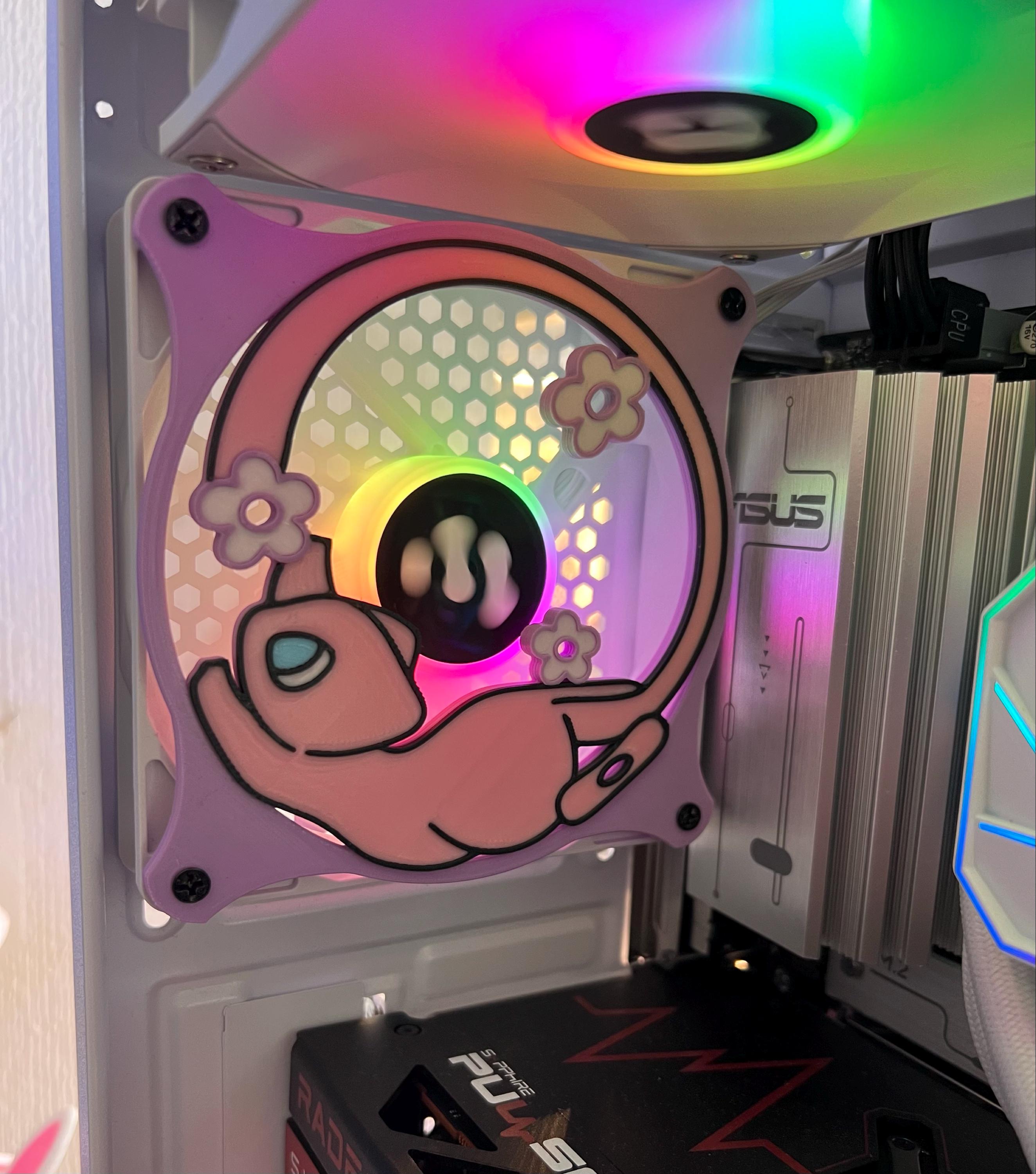
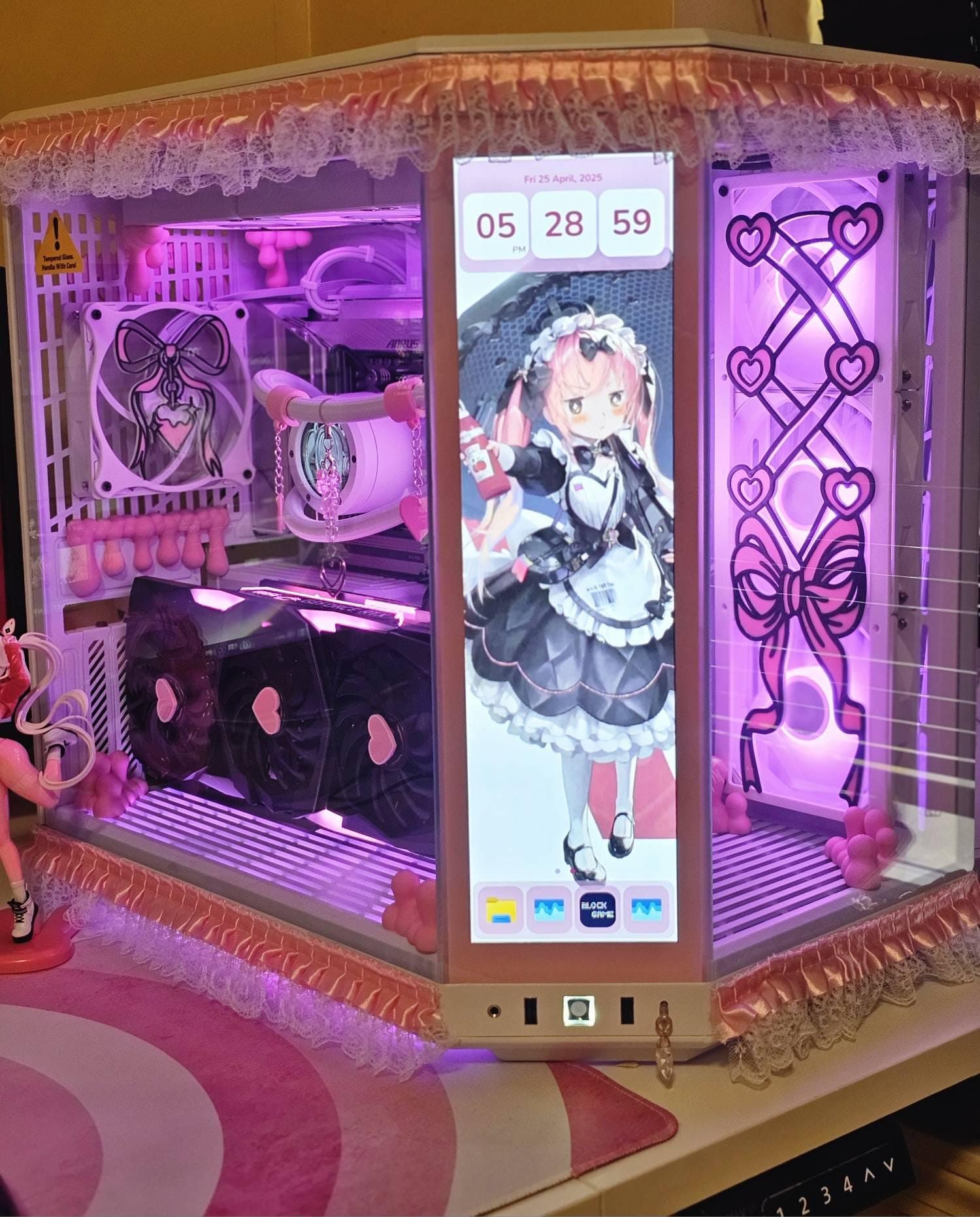
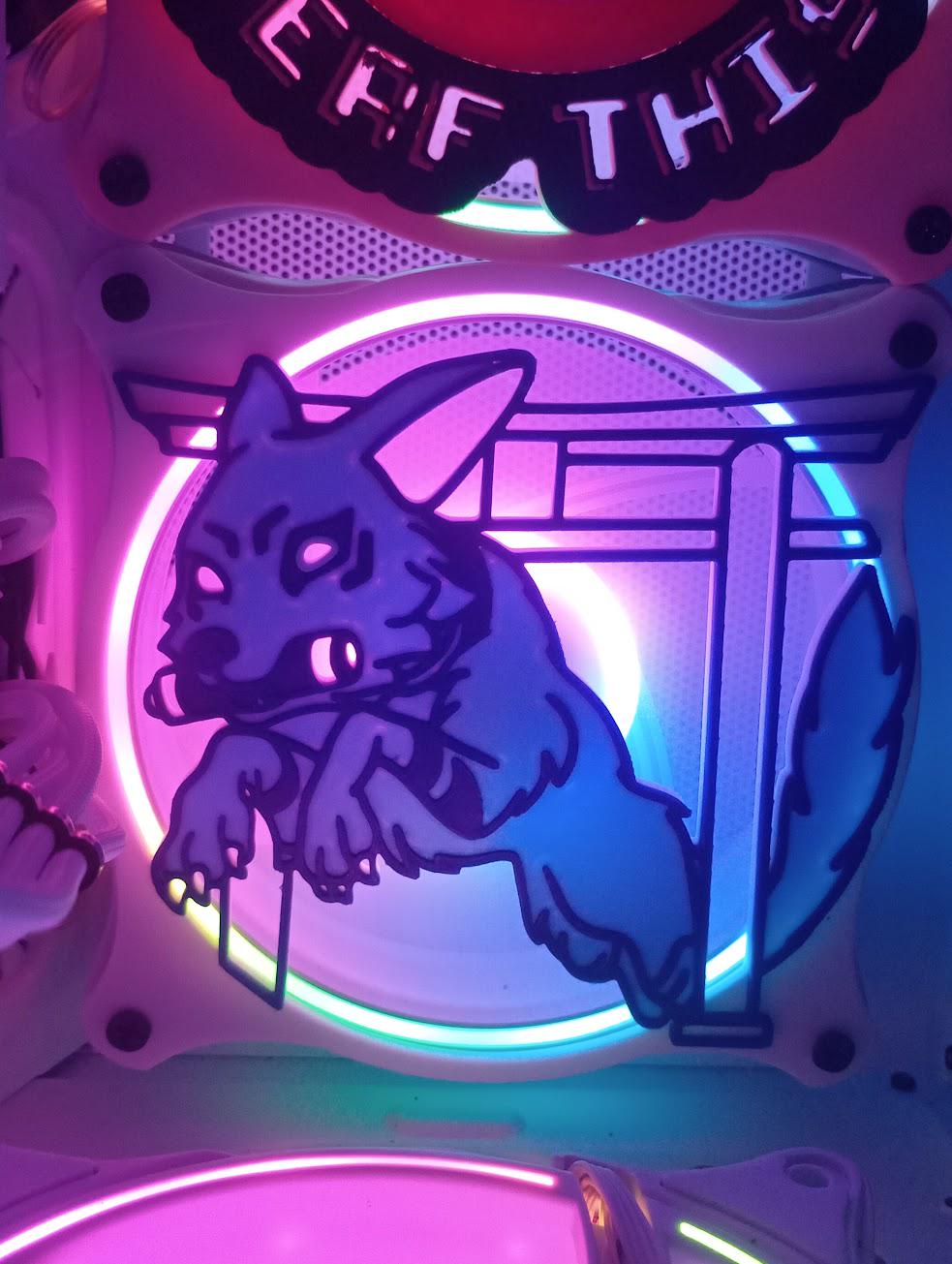
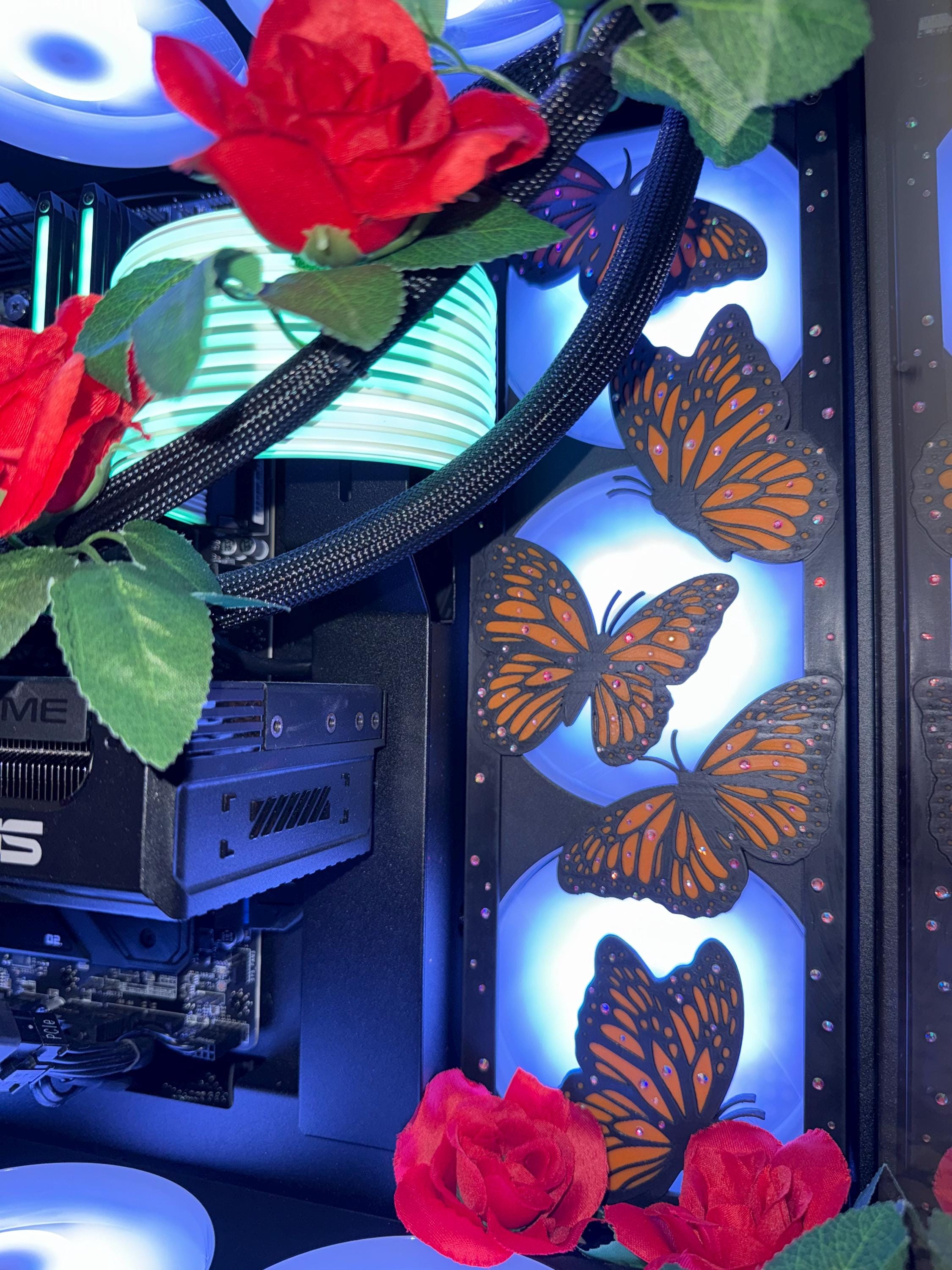
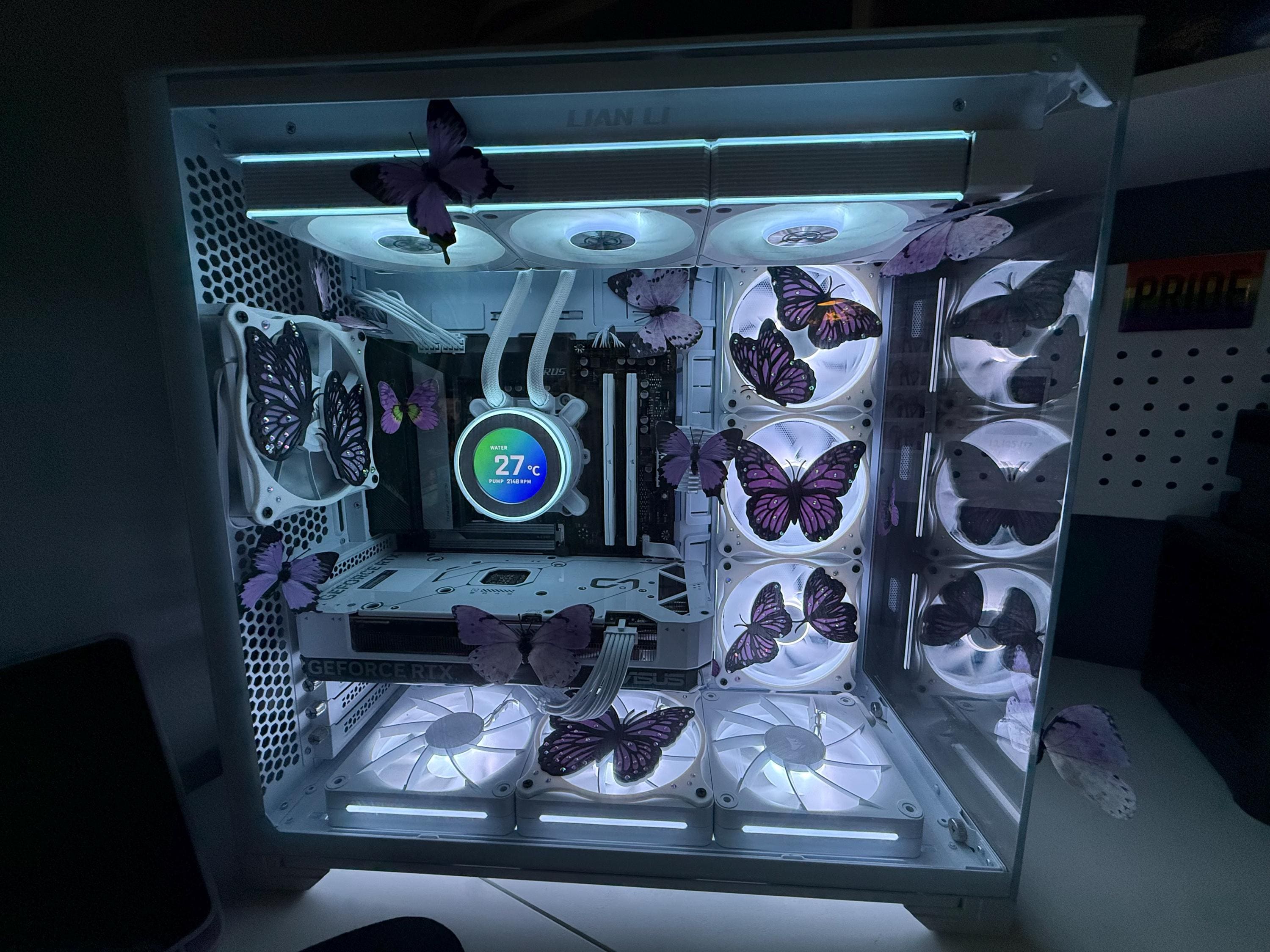
Custom Fan Shrouds: Personalize Your PC with Sakura Blossoms
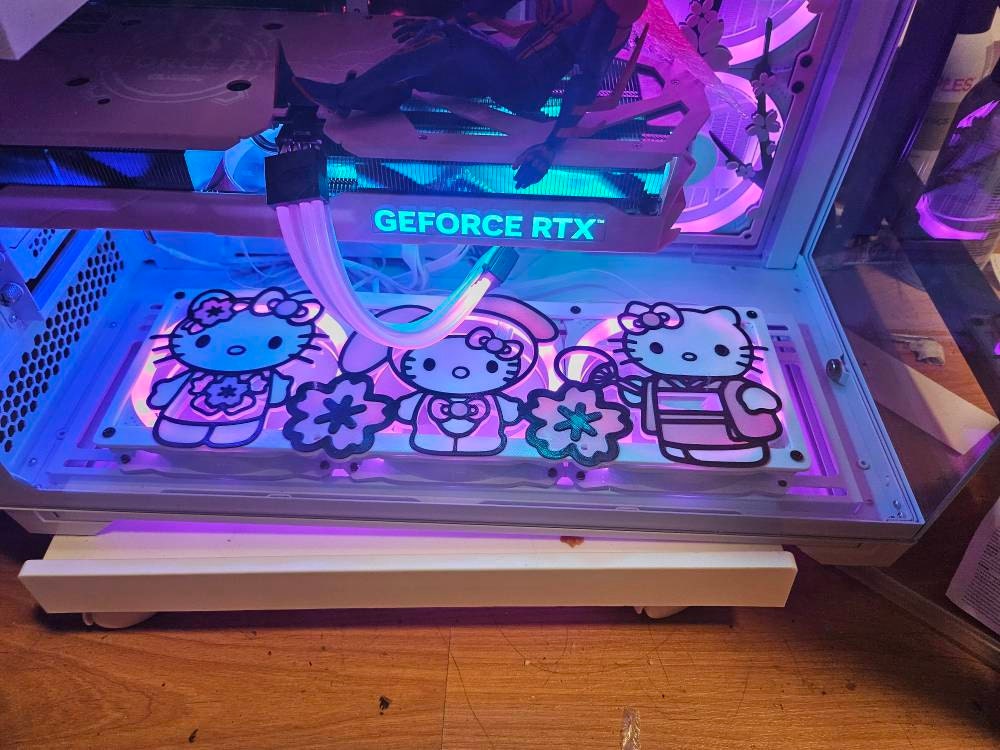
Custom fan shrouds are an innovative way to personalize your PC setup, making your build stand out with unique designs. If you’re looking to elevate your gaming or workspace aesthetic, Sakura blossom fan shrouds do just that, adding a touch of elegance and tranquility to your tech environment. Dive into this guide to explore how you can customize your PC using these beautiful designs!
What Are Custom Fan Shrouds?
Understanding Fan Shrouds
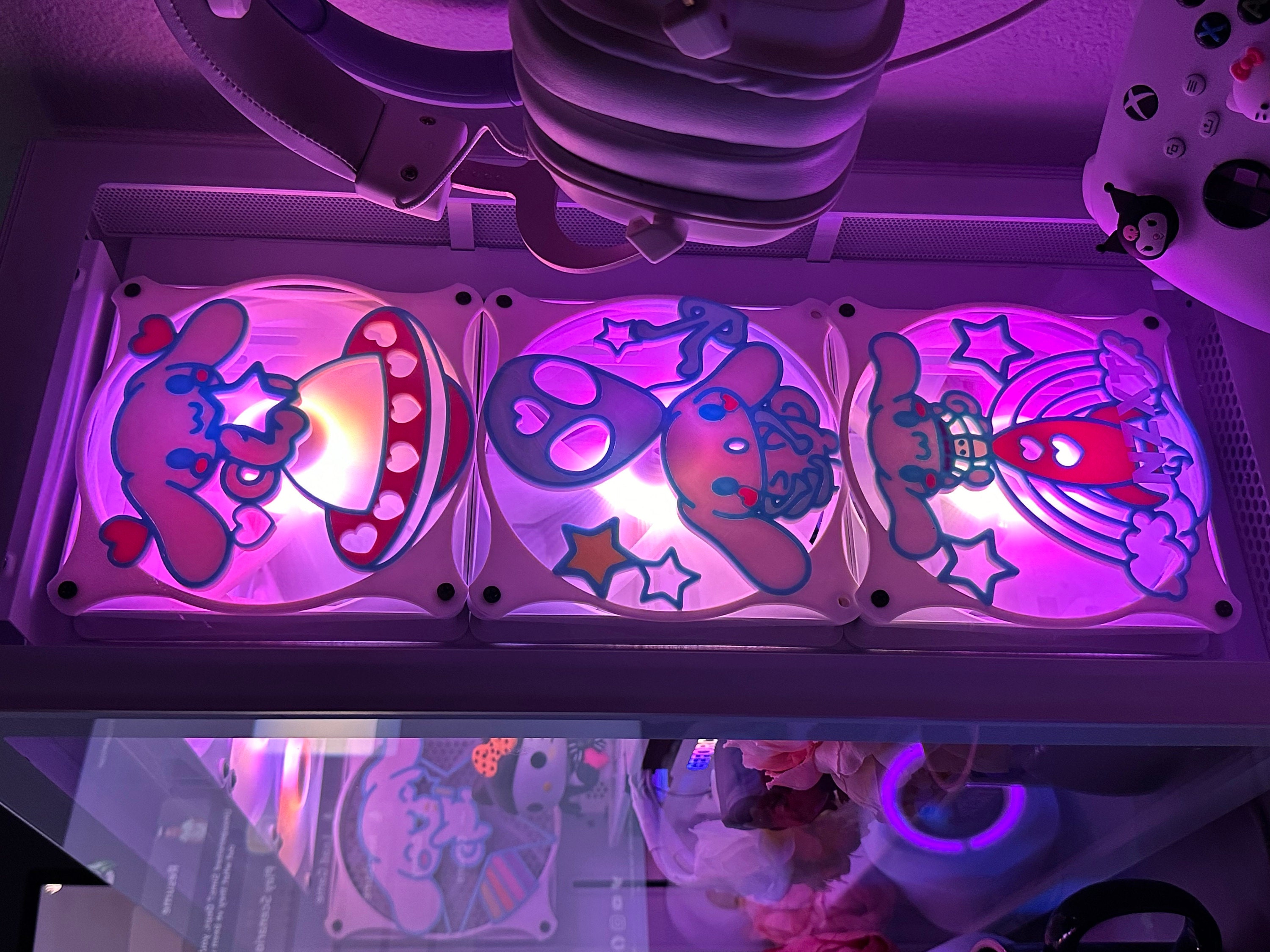
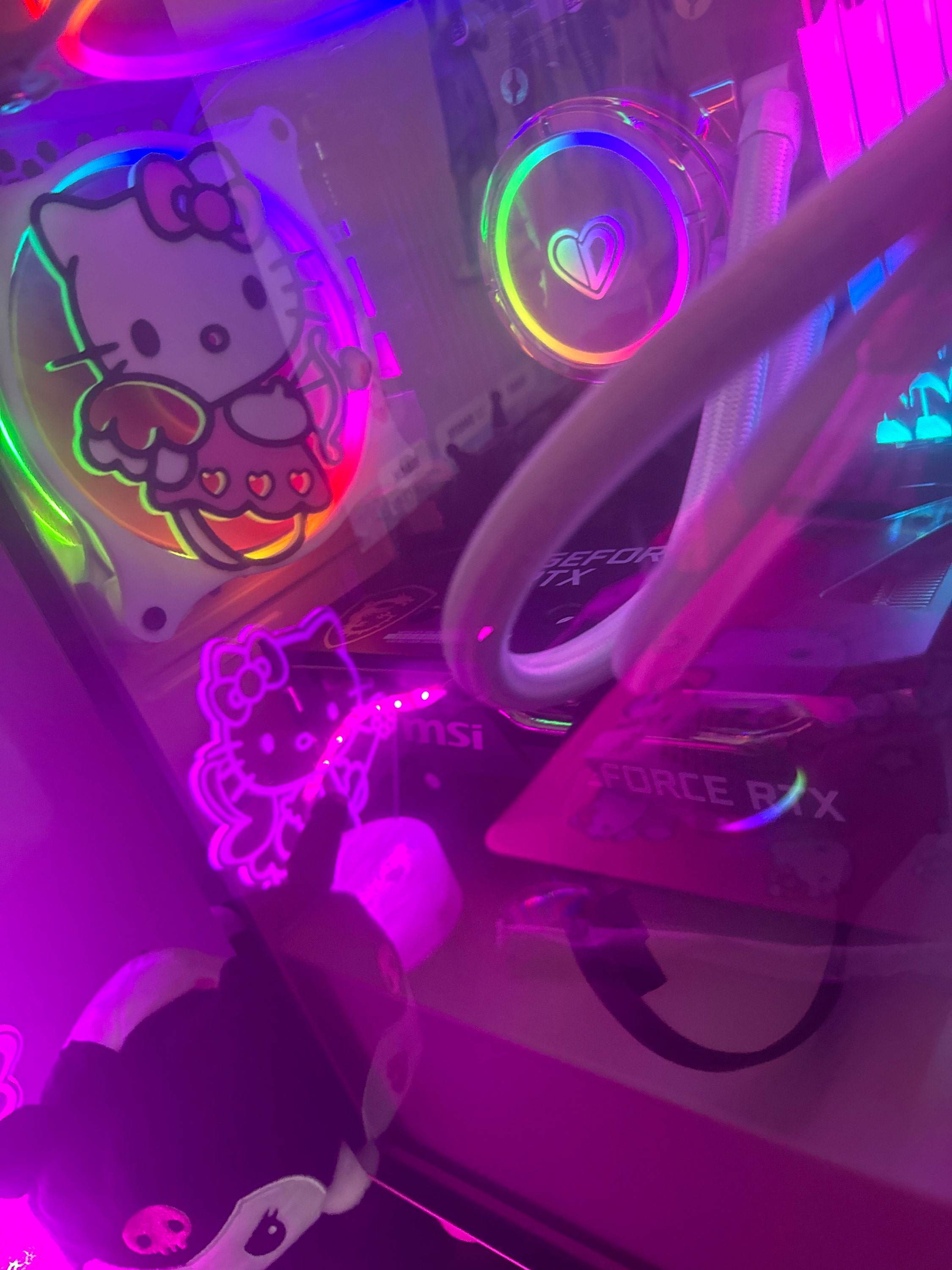
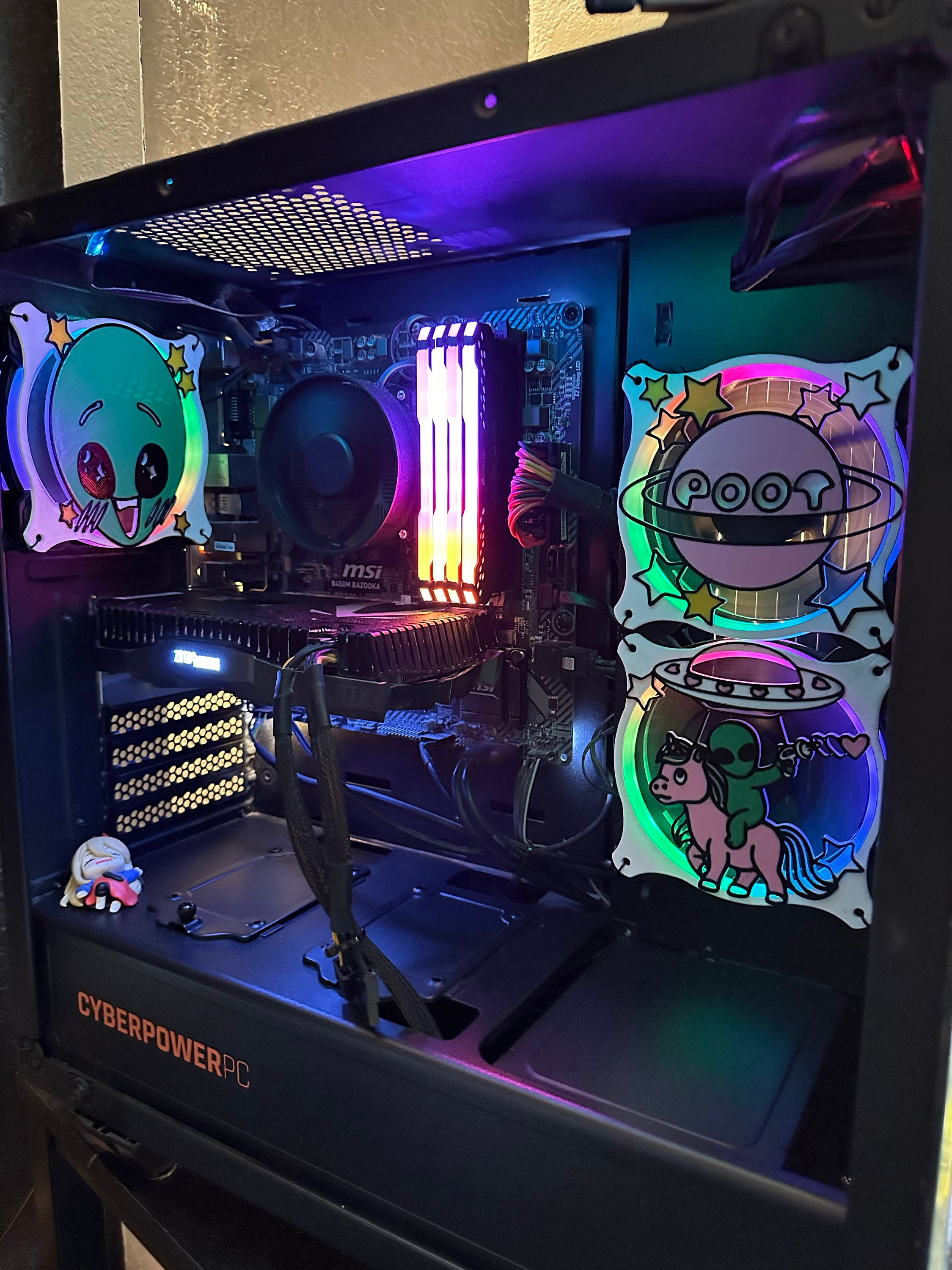
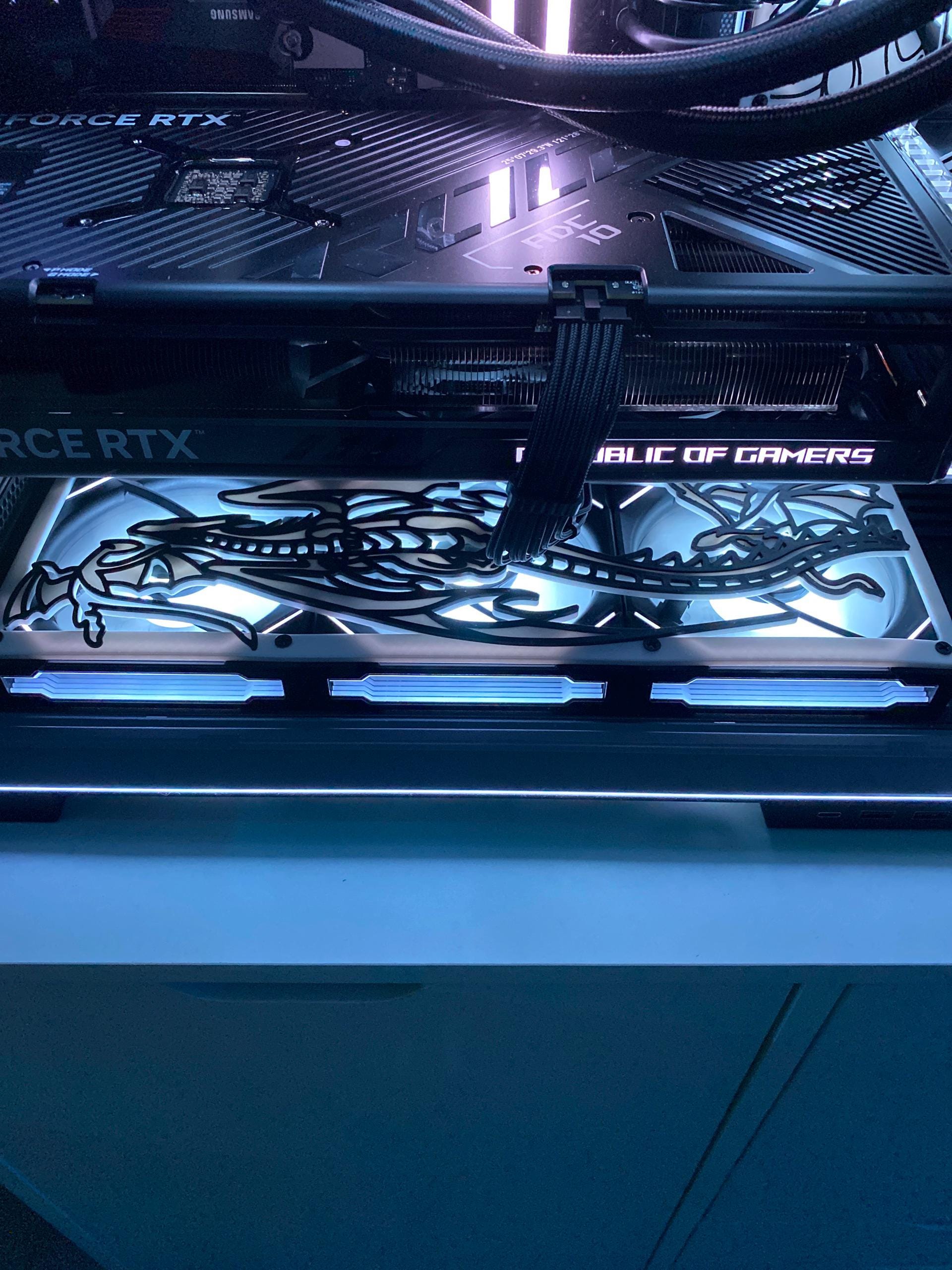
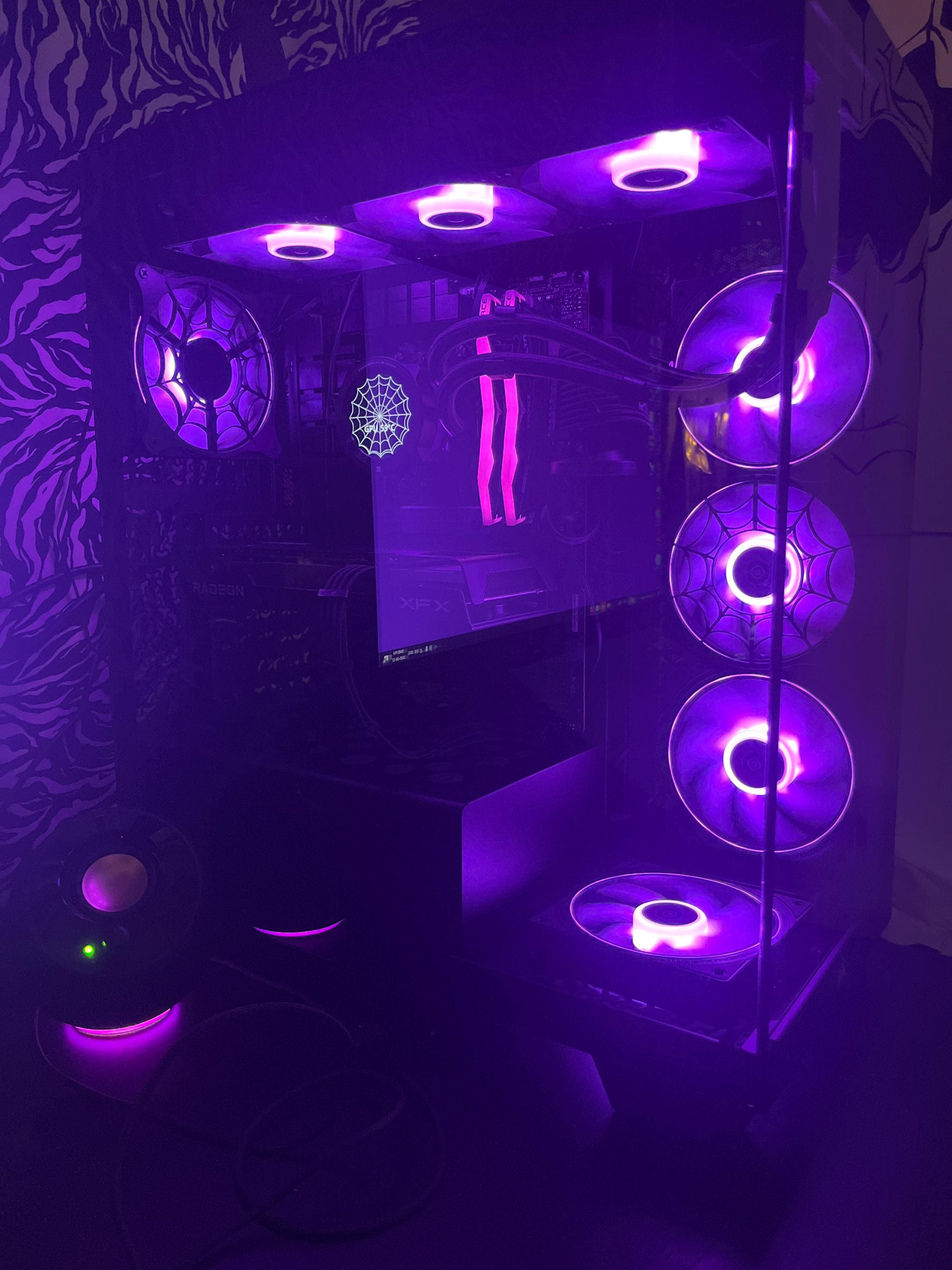
Fan shrouds are protective covers that help direct airflow from computer fans more efficiently. They enhance cooling performance and can greatly affect the overall aesthetics of your setup. Custom fan shrouds, particularly those inspired by cultural themes like Sakura blossoms, allow you to merge functionality with artistic expression.
Benefits of Customization
Opting for a tailored fan cover provides numerous benefits, such as:
- Aesthetic Appeal: Personalizes your PC with unique designs.
- Improved Airflow: Optimizes performance by directing airflow better.
- Protection: Shields internal components from dust and debris.
Choosing the Right Sakura Design
Popular Sakura Blossom Fan Shroud Styles
When selecting a custom fan cover, consider various styles of Sakura designs. Some popular themes include:
- Cherry Blossom Branch Covers: Subtle and serene designs showcasing blooming branches.
- Floating Petals: Dynamic patterns that give the illusion of petals drifting around.
- Kawaii Designs: Playful, cute graphics that appeal to anime and gaming enthusiasts.
Material Considerations
Sakura fan shrouds are typically made from high-quality PLA filament, which is durable yet lightweight. This material ensures that even detailed and intricate designs maintain structural integrity while also allowing for easy installation.
Installation Process: A Step-by-Step Guide
Preparing for Installation
Before installing your fan shroud, be sure to have the following tools and supplies at hand:
- Phillips screwdriver
- Four fan screws (often included)
- Your Sakura blossom fan shroud
Installing the Fan Shroud
Follow these simple steps to install your custom fan shroud:
- Shut down your PC and unplug all cables.
- Remove the side panel of your case for better access.
- Carefully detach the fan you wish to cover.
- Align the fan shroud with the mounting holes and secure it.
- Reattach the fan over the shroud, ensuring everything lines up.
- Replace the side panel and reconnect power.
Enhancing Your PC Aesthetic with Additional Accessories
Complementary Accessories
To elevate your setup further, consider pairing your Sakura fan shrouds with other themed accessories. Some ideas include:
- Sakura-themed mouse pads: Extend the design theme to your mouse.
- RGB lighting: Use color-changing LEDs for a stunning visual effect.
- Cherry Blossom stickers: Add flair to your peripherals and case.
Where to Purchase Custom Fan Shrouds
You can easily find a variety of Sakura Blossom fan shroud covers online. Ensure to read reviews and choose reputable sellers to get quality products that fit your setup perfectly.
Maintaining Your Custom Fan Shrouds
Cleaning Tips
Keeping your fan shrouds clean ensures they remain looking beautiful and function optimally. Here are some maintenance tips:
- Dust regularly using a soft microfiber cloth.
- Avoid cleaning solutions that contain alcohol or harsh chemicals.
- Check periodically for loose screws and tighten if necessary.
When to Replace
If your fan shroud shows signs of wear and tear or causes airflow issues, consider replacing it. A fresh custom fan shroud can rejuvenate the look of your PC and improve performance.
Conclusion
In summary, customizing your PC with custom fan shrouds featuring Sakura blossoms not only enhances its appearance but also contributes to better airflow and protection. By selecting the right designs and taking care of your installations, you can create a unique and functional setup. Ready to personalize your PC? Explore our collection of stunning Sakura fan shrouds today!